Solutions › Electronic Invoicing

Send an Invoice. Get Paid Online. Done.

Electronic invoices customers can pay directly, with payment status tracked automatically — no chasing checks or manual reconciliation.

Get Your Free Statement Review
Electronic Invoicing

Invoicing That Doesn't Need a Follow-Up Call

Paper invoices and manual tracking mean someone on your team is chasing payment status by hand — checking a bank statement, calling a customer, or waiting on a check that may or may not be in the mail. Electronic invoicing through Argent replaces that guesswork with automated invoice payment tracking that tells you what's been paid and what hasn't:

Every day an invoice sits unpaid because no one followed up is a day of cash flow you don't get back. Electronic invoicing turns "chasing payment" into "waiting for a notification."

Common Challenges

Common Invoicing Challenges

The same five issues come up again and again for businesses still invoicing manually.

Chasing Payment Status by Phone or Email

Staff time spent following up manually instead of checking a live dashboard.

Paper Invoices Getting Lost or Delayed

Slower payment and no visibility into where an invoice actually stands.

Manual Reconciliation Against a Ledger

Matching payments to invoices by hand instead of automatically.

No Easy Way for Customers to Pay Online

Forcing a mailed check when a payment link would be faster for everyone.

Late Payments With No Automated Follow-Up

Nothing prompts a customer until someone remembers to call.

Built For Your Business

We Work With Businesses Like Yours

From boutique retail to industrial distribution, Argent adapts to how your business actually accepts payments — not a one-size-fits-all setup. Every industry below gets its own processing setup, priced and built around how that business actually runs.

Boutique retail store checkout counter

Retail

In-store and online payment processing that keeps up with however you sell.

  • In-store, online, and BOPIS orders under one system
  • Barcode-scanning POS & SKU-level inventory sync
  • Built to handle holiday volume spikes
Boutique & SpecialtyMulti-LocationE-Commerce
Bright contemporary restaurant dining room

Restaurants

Table-side, counter, and online ordering, all under one processor.

  • Online ordering integrations
  • Tip adjustment support
  • Fast funding options
Quick-ServiceFull-ServiceBar & Nightlife
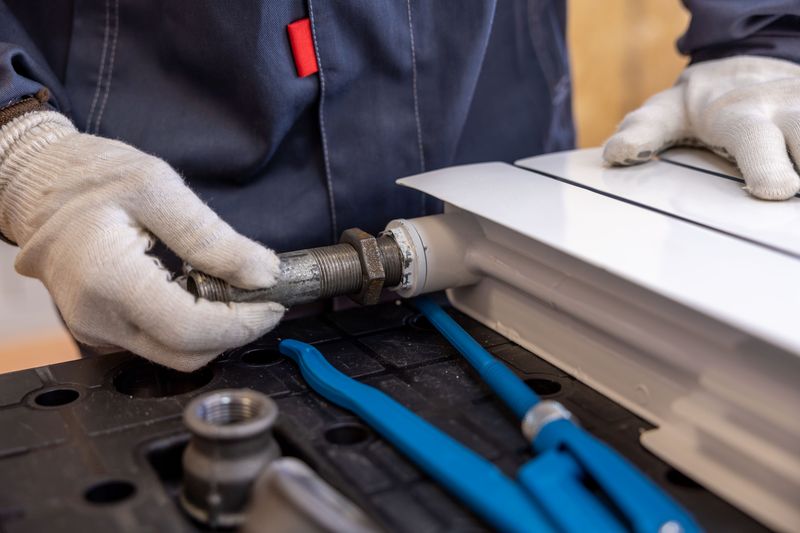
Technician servicing a home heating unit

Field Services

Get paid on the job site with mobile and virtual terminal options.

  • Mobile & virtual terminal payments
  • Job-site invoicing
  • Recurring service billing
HVAC & PlumbingContractingHome Services
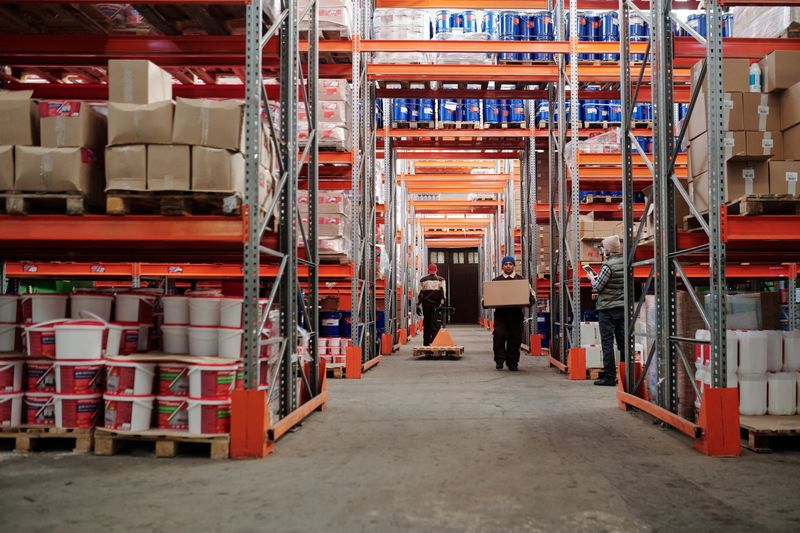
Warehouse workers moving inventory between shelving aisles

Distribution

Lower-cost ACH processing built for larger B2B transactions.

  • ACH acceptance for large orders
  • ERP integrations
  • Accounts receivable automation
WholesaleB2B Supply
Dental clinic treatment tray

Healthcare

Secure, PCI-compliant payment collection for patient balances.

  • PCI compliance assistance
  • Recurring billing
  • Patient payment plans
Medical PracticesDentalSpecialty Clinics
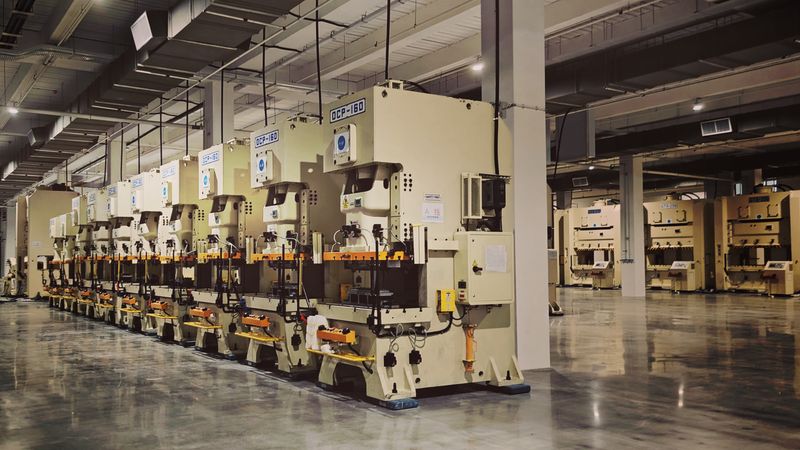
Row of industrial fabrication machines on a factory floor

Manufacturing

Payment processing that matches your purchase order cycle.

  • Purchase-order aligned billing
  • ACH for large B2B orders
  • Net-terms invoicing support
Custom FabricationIndustrial Supply

See What Paper Invoicing Is Costing You

If you're still invoicing on paper or tracking payment status by hand, send your last statement and let's talk about what moving this online would look like.

Get Your Free Statement Review Transparent Pricing · No Long-Term Contract · PCI DSS Compliant · A Real Person On Your Account
Questions

Electronic Invoicing FAQ

How It Works & Setup

How do I create and send an electronic invoice?

Invoices are created directly through your Argent account with line items and amount due, then emailed to the customer with a secure pay-online link — no separate invoicing software required.

Can customers pay by both card and ACH from the same invoice?

Yes — customers choose whichever method works for them directly from the invoice link, without you needing to send two different payment requests.

Do I need to integrate this with my accounting software?

Electronic invoicing works standalone, and depending on your accounting platform, payment status can sync automatically to reduce manual reconciliation — ask your account contact about compatibility with your specific system.

Can I set up automated payment reminders?

Yes — reminders can be configured to go out automatically as a due date approaches or passes, reducing how often someone on your team has to follow up manually.

How long does it take to start sending electronic invoices?

Once your account is approved, sending your first invoice is typically a same-day task.

Pricing & Fees

Is there an extra fee for sending electronic invoices?

Sending invoices themselves isn't a separate line-item fee — you pay standard processing rates on the payment once the customer pays it, whether by card or ACH.

Is it cheaper to have customers pay by ACH instead of card on an invoice?

Often yes, particularly for larger invoices, since ACH doesn't carry card network interchange fees. We can help you steer larger invoices toward ACH where it makes financial sense.

Are there fees for sending automated payment reminders?

No additional fee applies for configuring automated reminders — it's part of the standard electronic invoicing setup.

Do partial payments cost extra to process?

No — partial payments are processed and tracked the same way as full payments, at standard rates.

Can I see what moving to electronic invoicing would actually save?

Send us your current invoicing volume and process, and we'll estimate the time and cost impact of moving away from paper or manual tracking.

Support & Reconciliation

How do I know when an invoice has been paid?

Payment status updates automatically on your dashboard in real time — paid, partially paid, or outstanding — without checking a separate ledger or waiting on a bank statement.

What happens if a customer only pays part of an invoice?

Partial payments are tracked against the invoice balance, so you can see exactly what's still outstanding rather than treating it as fully paid or fully unpaid.

Can I resend an invoice if a customer says they didn't receive it?

Yes — invoices can be resent directly from your dashboard without recreating them from scratch.

Who do I contact if a customer's payment doesn't show up as expected?

You'll have a named point of contact on your account team who can look into a specific invoice or transaction directly.

Can I export invoice and payment data for my own records?

Yes — invoice and payment history can be exported from your dashboard for bookkeeping or reconciliation purposes.

Related

Explore More